Thicket for iPhone and iPad
Keep work organized, wherever you are.
The people, conversations, and work you keep in Thicket go with you. Check a deadline, share an update, or answer a question without waiting to get back to your desk.

Free to download. Your existing Thicket account works here, too.
On a computer? Sign in on the web.
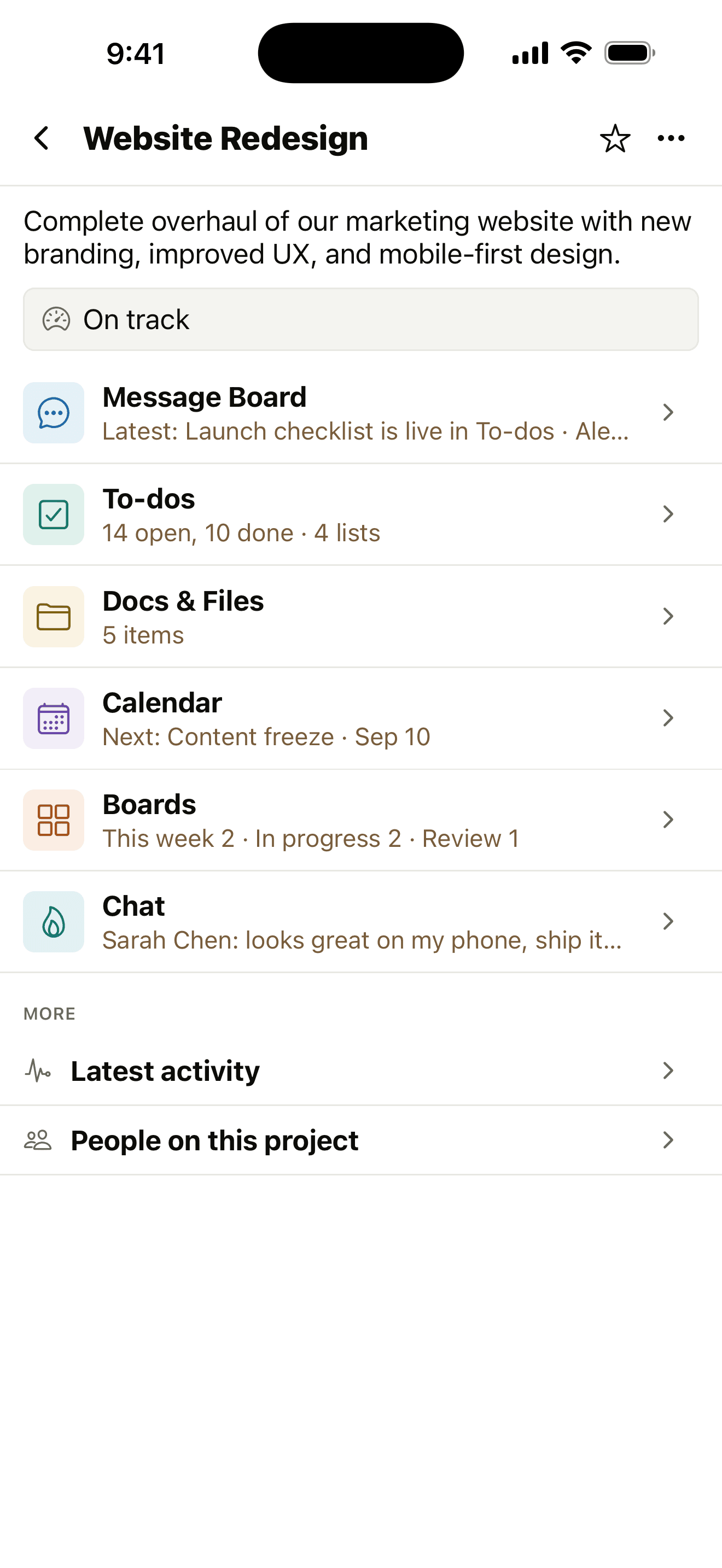
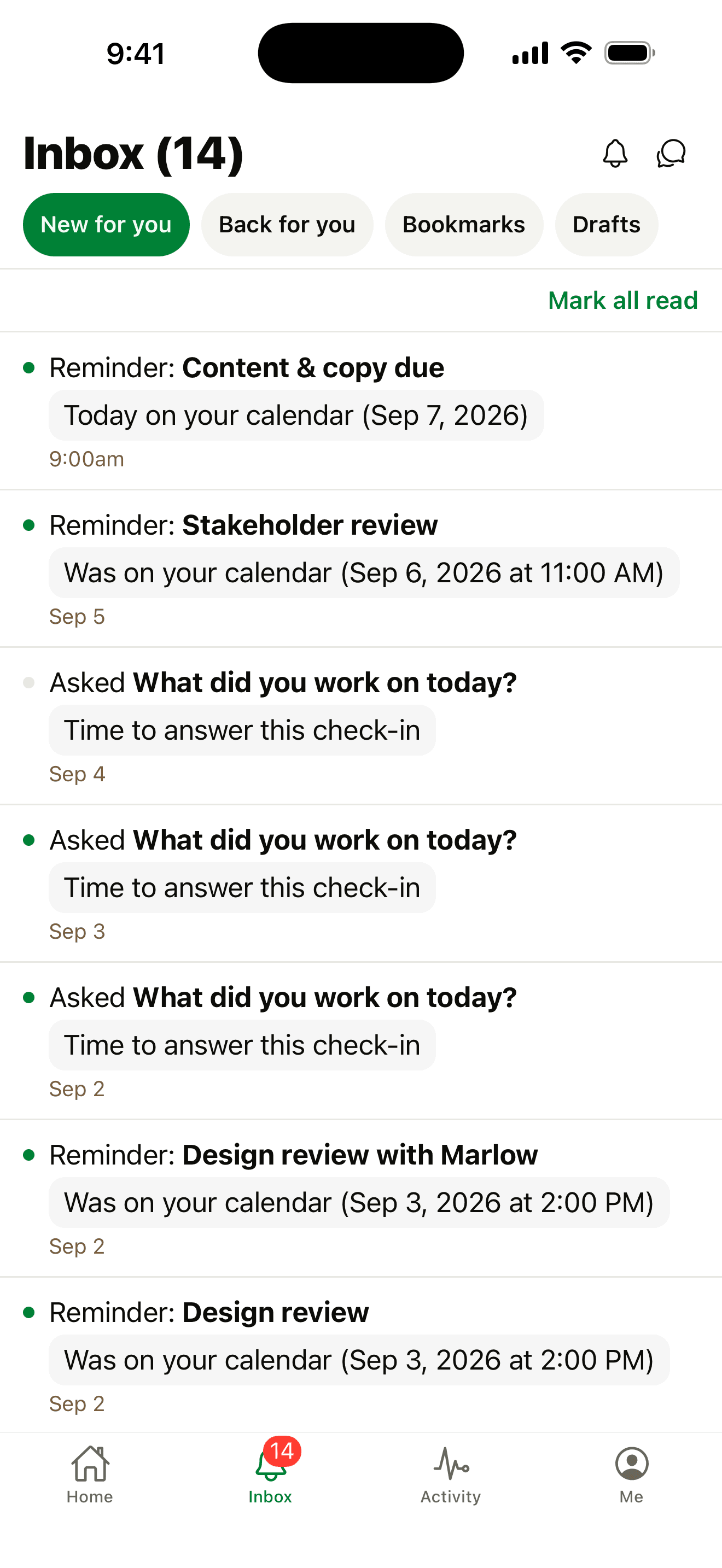
Keep the day moving.
See what needs attention
Open your assignments, check upcoming dates, and see reminders and replies in your Inbox.
Work with your people
Reply in chat, leave a comment, share a file, or update a to-do. Keep the conversation with the work.
Choose when work reaches you
Turn on push notifications for the work you follow. Choose what reaches you and set quiet hours when you need a break.
Here's where you can use Thicket.
iPhone and iPad Available now
Download the app above and sign in. Your projects, people, and conversations are already there.
On the web Available now
Open Thicket in a modern browser, with nothing to install. Sign in to your workspace.
Android Coming soon
An Android app is on the way. You can use Thicket in your browser today.
Desktop apps Coming soon
Desktop apps are on the way, too. Use Thicket in your browser for now.
Make yourself at home.
New to Thicket? Bring your to-dos, messages, and documents into one shared place to work with other people.
Try Thicket FreeFree plan. No card required. Web signups include a 30-day Pro trial.
Already trying the app? Tell us how it is working for you. Your feedback helps us keep improving Thicket.