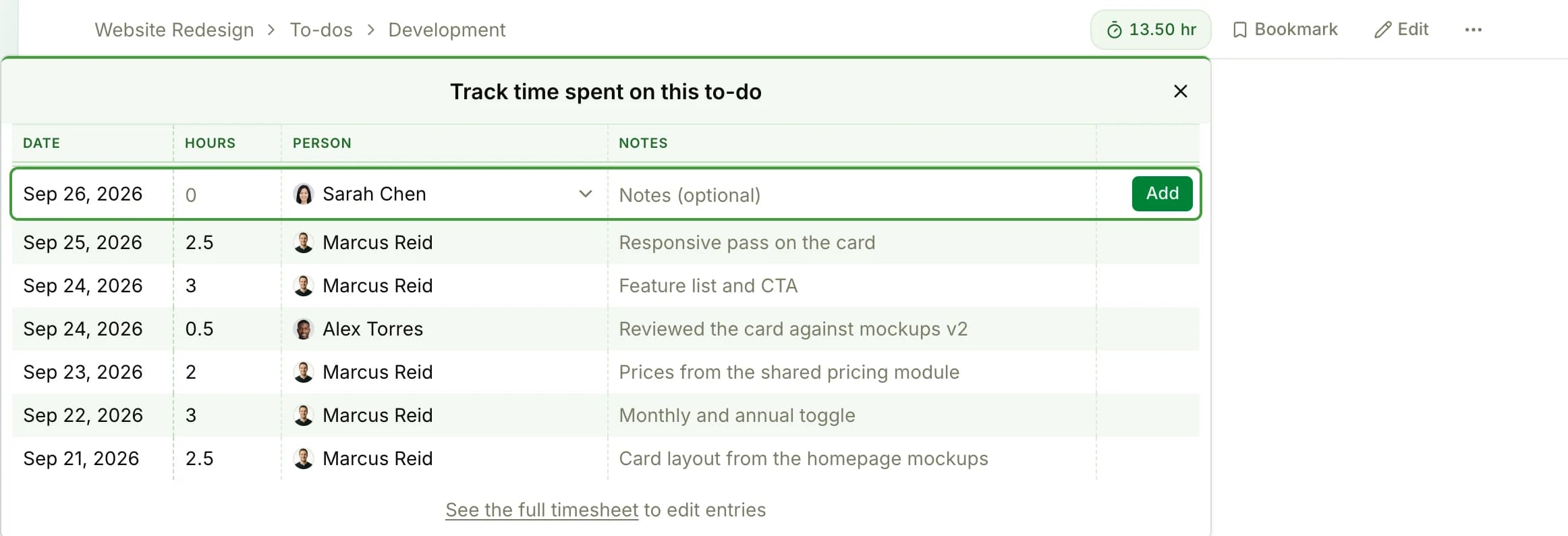
The badge for logging hours on the work
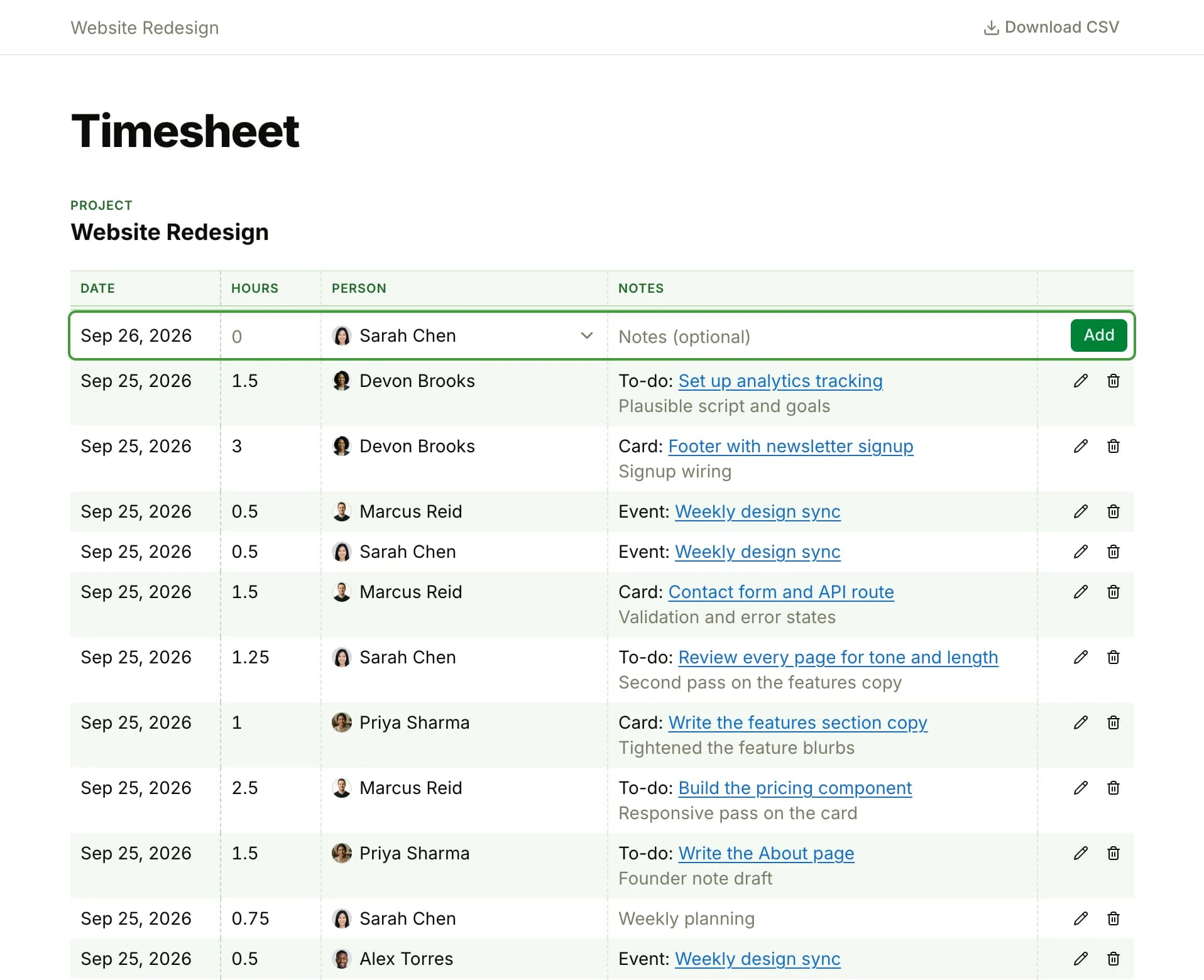
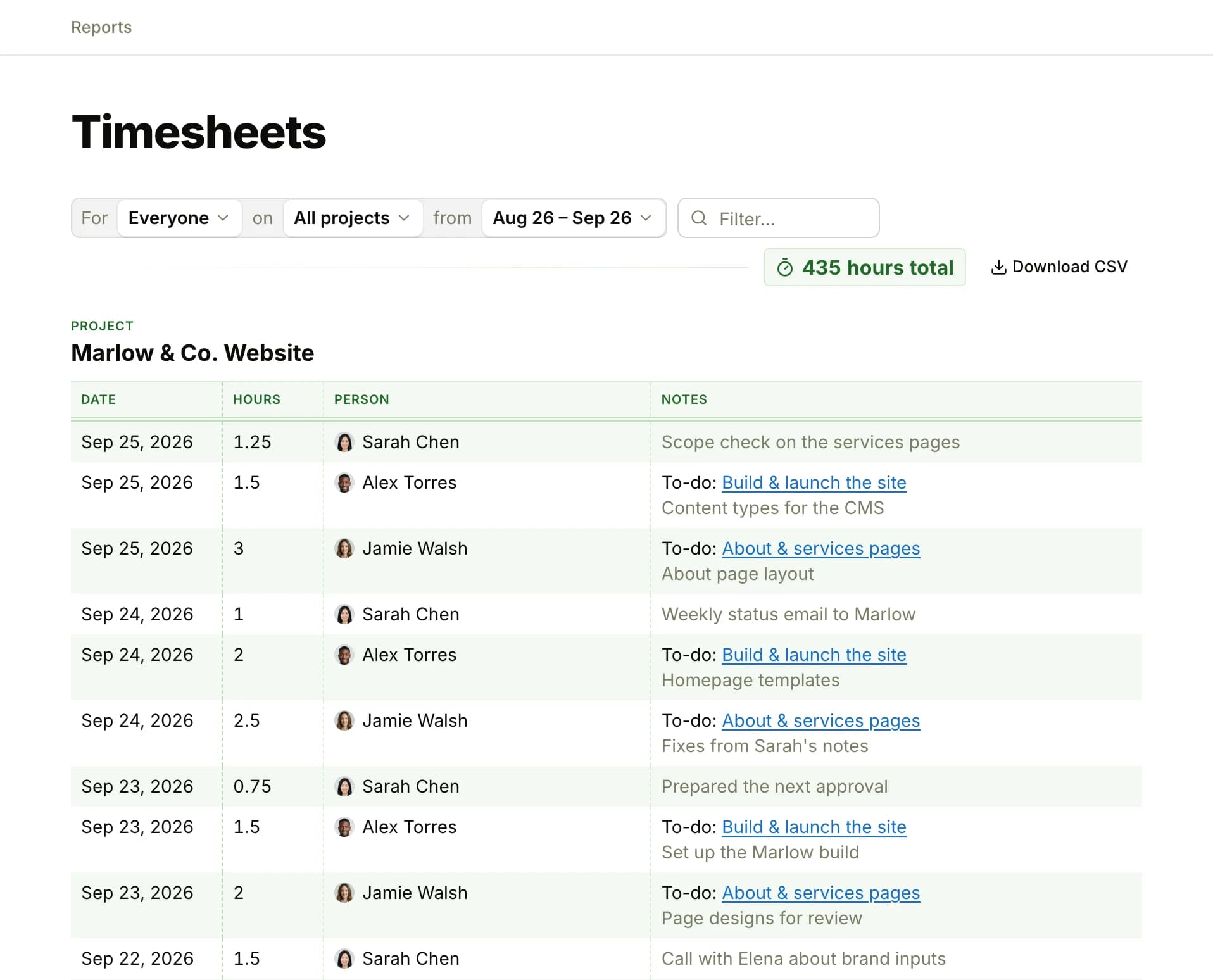
Turn on Timesheet in a project's settings, and a ⏱ badge with the hours so far appears on the project and on each of its to-dos, messages, docs, files, cards and events. Click it, pick the day, type 1.5 or 1:30, add a note if you like, and the hours are logged on that item.