The short answer
ClickUp's paid plans are billed per user: Unlimited at $10 per user per month and Business at $19 per user per month, billed monthly. Pay for a year up front and those drop to $7 and $12, the rates ClickUp's pricing page advertises by default. There's a Free Forever plan for personal use, an Enterprise tier with custom pricing, and an AI add-on: ClickUp Brain, an extra $9 per user per month on top of any paid plan.
At common team sizes, billed monthly: a 5-person team on Unlimited pays $50/month, a 10-person team pays $100/month, and a 20-person team pays $200/month. On Business those numbers are $95, $190, and $380. That's before Brain, which adds another $9 per person.
If you want the per-seat math to stop entirely, there's a flat-rate option: Thicket is $49/month flat for unlimited users. We'll get to that, but first, the full ClickUp breakdown.
ClickUp's plans, side by side
Verified August 2026 from clickup.com/pricing. Prices in USD. Monthly-billing rates shown; annual rates in the fine print below.
ClickUp also sells an Enterprise plan with custom pricing, and the ClickUp Brain AI add-on at $9/user/month on top of any paid plan. Prices verified August 2026.
The advertised price isn't the monthly price
This is the part that surprises most people. ClickUp's pricing page shows $7 and $12 per user by default, but those are the annual-billing rates, what each month costs when you pay for a year up front. Pay month-to-month and the prices are $10 (Unlimited) and $19 (Business). You have to flip the page's billing toggle to see them.
The gap between the two is bigger than the banner suggests. ClickUp advertises “save up to 30%” with yearly billing. That's accurate for Unlimited (30%), but Business's monthly-to-annual gap is about 37%. Put differently: a 10-person team on Business pays $190/month billed monthly, or $120/month billed annually: a $70/month difference for committing to the year.
Showing the annual rate first is standard practice. For a month-to-month budget, use the monthly figure; use the annual figure only when you are ready to pay for twelve months.
What ClickUp Brain adds to the bill
ClickUp's AI features live in a paid add-on called ClickUp Brain, priced at $9 per user per month on top of your plan, and it's the combination the pricing page recommends: Business plus Brain comes to $28 per user per month.
Because it's billed per user, the add-on scales with headcount just like the plan does. Here's what a 10-person team pays per month at each rung, billed monthly:
Unlimited
$100
per month · $10 × 10
Business
$190
per month · $19 × 10
Business + Brain
$280
per month · $28 × 10
That's the pattern worth noticing: the plan price is only the floor. Each step (a higher tier for a feature you need, an add-on billed across every seat) compounds with team size. A 20-person team on Business with Brain pays $560 a month for project management software.
ClickUp totals at common team sizes
Per-user pricing looks small at one seat. Here's the monthly and annual cost at four common team sizes, on both paid plans, billed monthly.
| Team size | Unlimited / mo | Unlimited / yr | Business / mo |
|---|---|---|---|
| 5 users | $50/mo | $600/yr | $95/mo |
| 10 users | $100/mo | $1,200/yr | $190/mo |
| 20 users | $200/mo | $2,400/yr | $380/mo |
| 50 users | $500/mo | $6,000/yr | $950/mo |
ClickUp Unlimited at $10/user/month and Business at $19/user/month, billed monthly. Brain adds $9/user/month to any column. Prices verified August 2026.
Is ClickUp worth it?
It depends on how much of it you'll use. ClickUp brings together tasks, docs, whiteboards, dashboards, goals, sprints, automations, custom fields, and a large integration marketplace. If your team relies on those features, the per-seat price buys breadth that Thicket does not replace.
ClickUp bills for the selected plan and add-ons whether each feature is used or not. The bill can grow along two axes: headcount (each added user is another $10–28/month depending on plan and add-ons) and configuration (someone has to build and maintain the custom fields, automations, and dashboards you're paying for). If your team mainly uses tasks, docs, chat, and a board, compare that broader feature set with its per-user cost and configuration work.
We've written more on the complexity side in why teams leave ClickUp. This post sticks to the money.
A flat-rate option for smaller teams
See what the $49/month alternative looks like
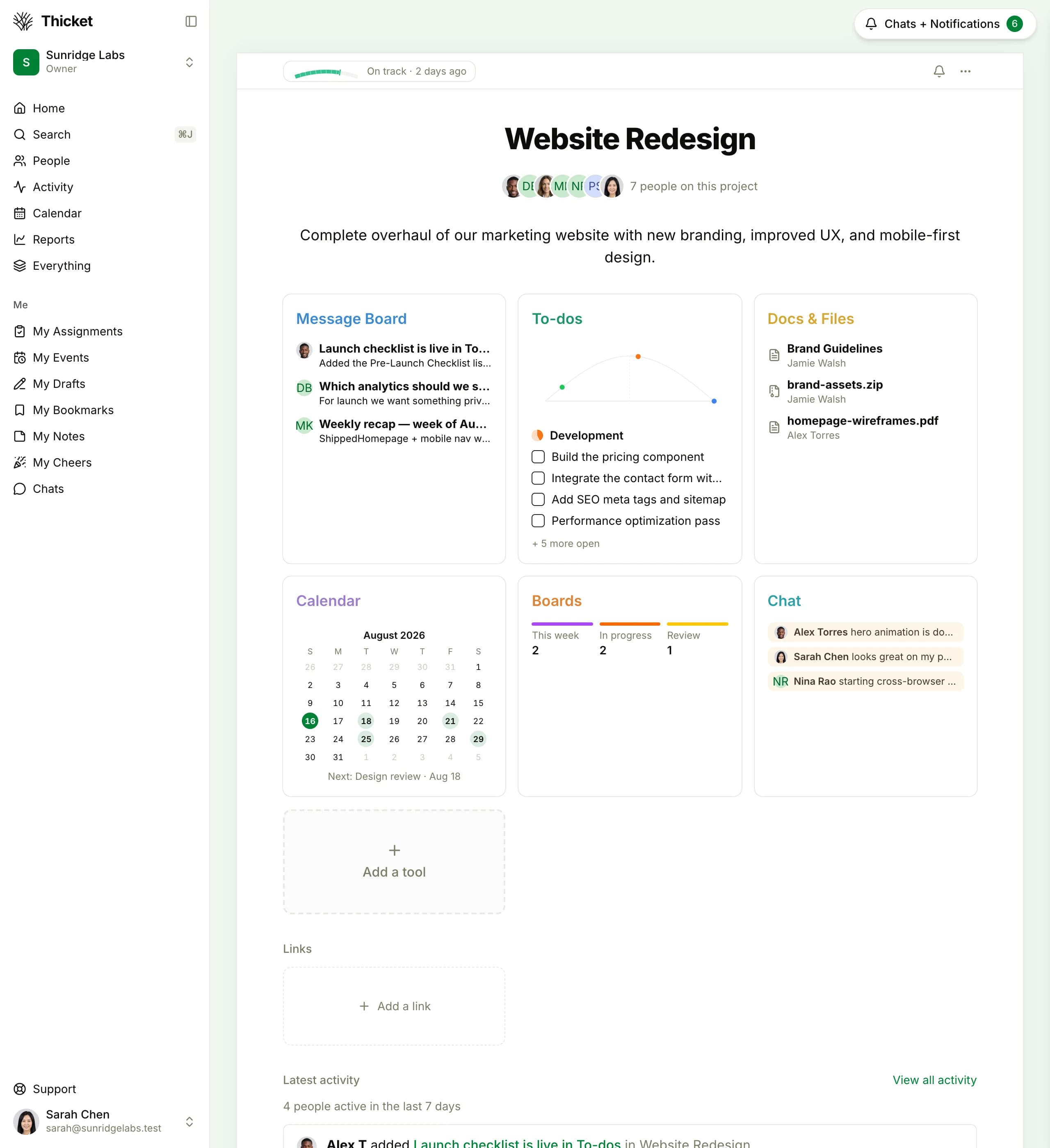
Thicket keeps messages, to-dos, docs, schedules, boards, and chat together in every project. One price covers the whole team.
Thicket fits when: your team mainly needs tasks, messages, docs, schedules, boards, and chat without a configuration layer.
Choose ClickUp if: you rely on custom fields, automations, dashboards, Gantt charts, or sprint tooling.
Free plan. No card required. Includes a 30-day Pro trial.
ClickUp vs Thicket: what you pay
Thicket holds at $49/month at every team size. Here's the side-by-side against both ClickUp plans, billed monthly.
| Team size | Thicket Pro | ClickUp Unlimited | ClickUp Business | You save vs Business |
|---|---|---|---|---|
| 5 users | $49/mo | $50/mo | $95/mo | $46/mo |
| 10 users | $49/mo | $100/mo | $190/mo | $141/mo |
| 20 users | $49/mo | $200/mo | $380/mo | $331/mo |
| 50 users | $49/mo | $500/mo | $950/mo | $901/mo |
Thicket Pro is $49/month flat ($39/month billed annually). ClickUp Unlimited at $10/user/month and Business at $19/user/month, billed monthly, before the $9/user Brain add-on. Prices verified August 2026.
At the small end, Thicket and ClickUp Unlimited are nearly even for 5 people: $49 against $50. The flat rate matters as you grow, or the moment you step up to Business or add Brain: at 10 people Thicket saves $51–141/month, and at 20 it saves $151–331/month. More on the model: why we don't charge per user and flat-rate and per-user pricing compared. For the full feature-by-feature picture, read the Thicket vs ClickUp comparison. If you're ready to move, the ClickUp migration guide explains the manual rebuild. There is no one-click import.