The Monday.com Alternative
That Costs $49/mo Flat
Monday.com charges $12 per user, per month. A 10-person team pays $120/month. A 20-person team pays $240/month. Thicket gives you project management with tasks, messages, docs, and scheduling for one flat price, no matter how many people you add.
$49/month flat. Unlimited users. No per-seat fees.
Free plan. No card required. Includes a 30-day Pro trial.
Monday.com Gets Expensive Fast
Monday.com's per-seat pricing means your bill grows every time you add a team member, client, or contractor. What starts at $60/month for 5 people becomes $240/month at 20 and $600/month at 50.
Project Management Without the Complexity
Monday.com gives you boards, automations, dashboards, and dozens of column types to configure. Thicket gives you projects with tasks, messages, docs, and files, ready to use in minutes.
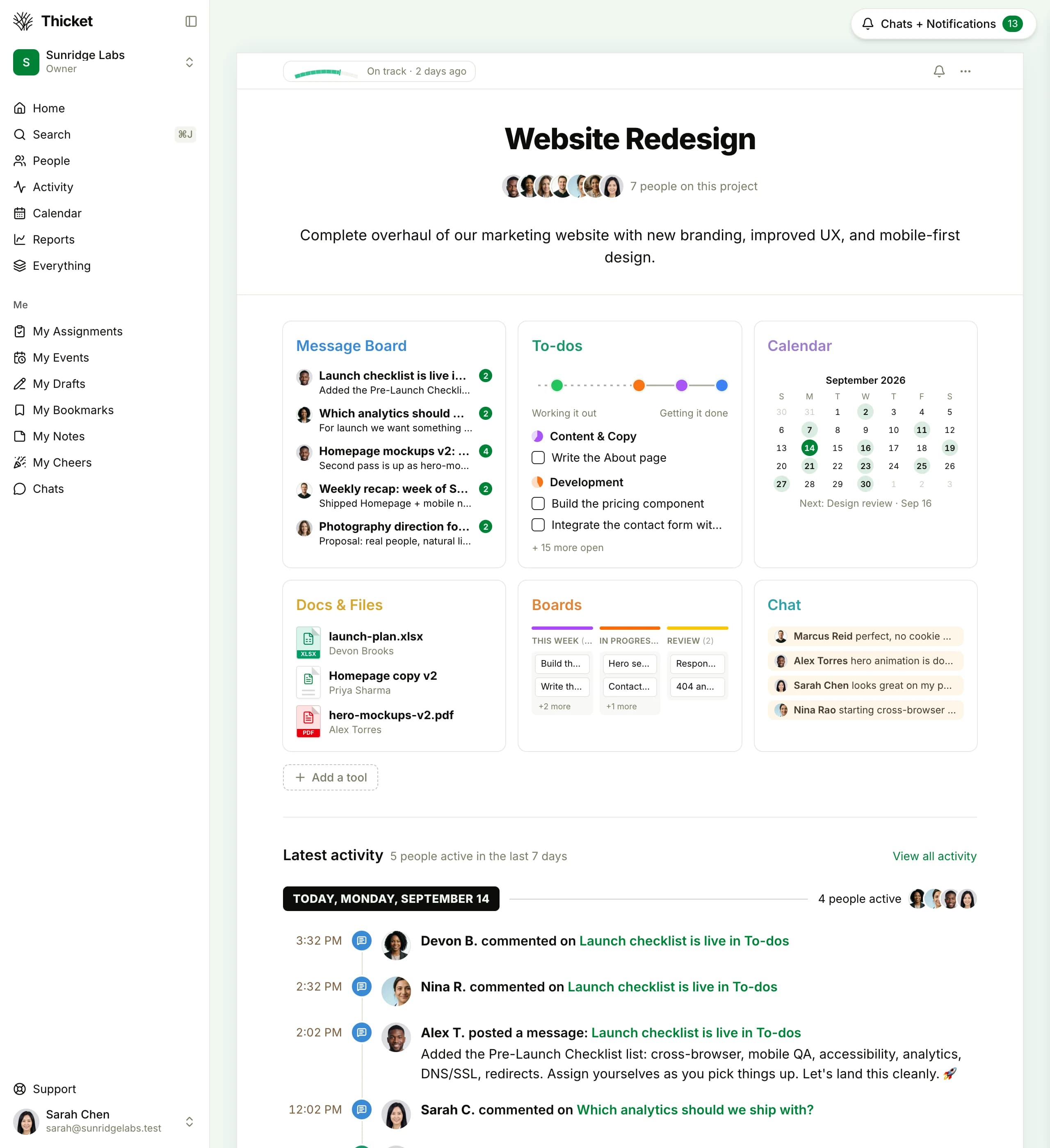
A single project view in Thicket. Everything your team needs, without the setup overhead of monday.com boards and columns.
Thicket vs. Monday.com, feature by feature
Thicket has the features most teams actually use, at a fraction of the cost.
| Feature | Thicket | Monday.com | Notes |
|---|---|---|---|
| Task management | |||
| Message boards | Threaded project discussions | ||
| Documents & docs | |||
| File sharing | |||
| Client/guest access | Free in Thicket, extra seats in monday.com | ||
| Schedule & calendar | |||
| Group chat & DMs | Built-in, no Slack needed | ||
| Automatic check-ins | Recurring prompts that collect team answers | ||
| Free plan (5+ users) | Monday.com free plan limited to 2 seats | ||
| Flat pricing (no per-user fees) |
All Your Projects, One View
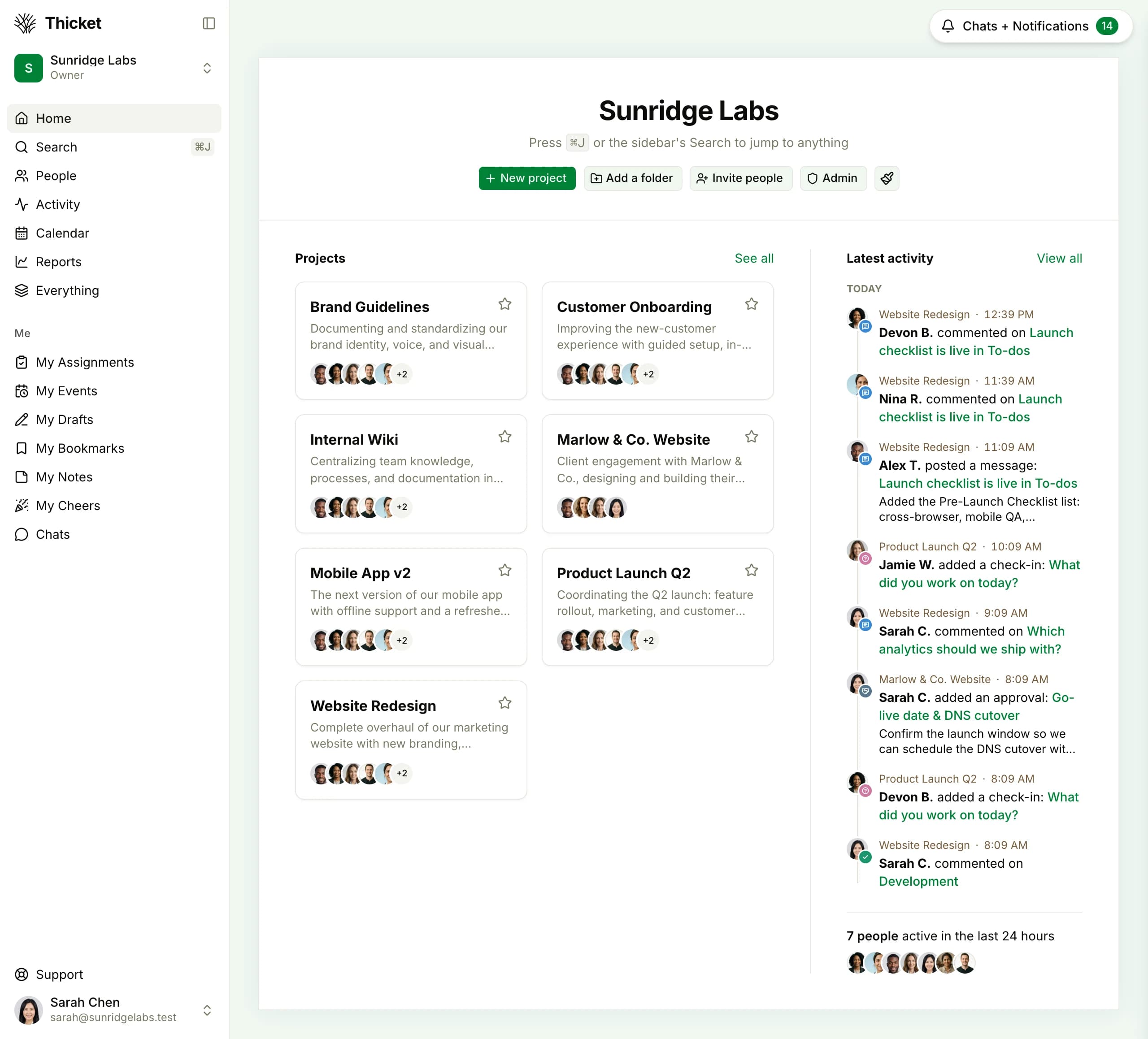
No boards to configure or views to set up. Thicket shows all your projects in a clean grid with status, members, and recent activity. Find what you need in seconds.
- See project status and team at a glance
- Pin important projects to the top
- No nested folder structures to navigate
The Math Speaks for Itself
Monday.com Standard charges $12/user/month. Monday.com Pro is $19/user/month. Thicket is $49/month flat, no matter how many people you add.
| Team Size | Thicket Pro | Monday Standard$12/user/mo, billed annually | Monday Pro$19/user/mo, billed annually | You Savevs Standard |
|---|---|---|---|---|
| 5 users | $49/mo | $60/mo | $95/mo | $11/mo |
| 10 users | $49/mo | $120/mo | $190/mo | $71/mo |
| 20 users | $49/mo | $240/mo | $380/mo | $191/mo |
| 50 users | $49/mo | $600/mo | $950/mo | $551/mo |
$11/mo
saved vs Monday Standard at 5 users
$71/mo
saved vs Monday Standard at 10 users
$191/mo
saved vs Monday Standard at 20 users
Based on monday.com Standard at $12/user/month and Pro at $19/user/month (annual billing). Thicket Pro is $49/month flat for unlimited users.
Tasks Without the Board Setup
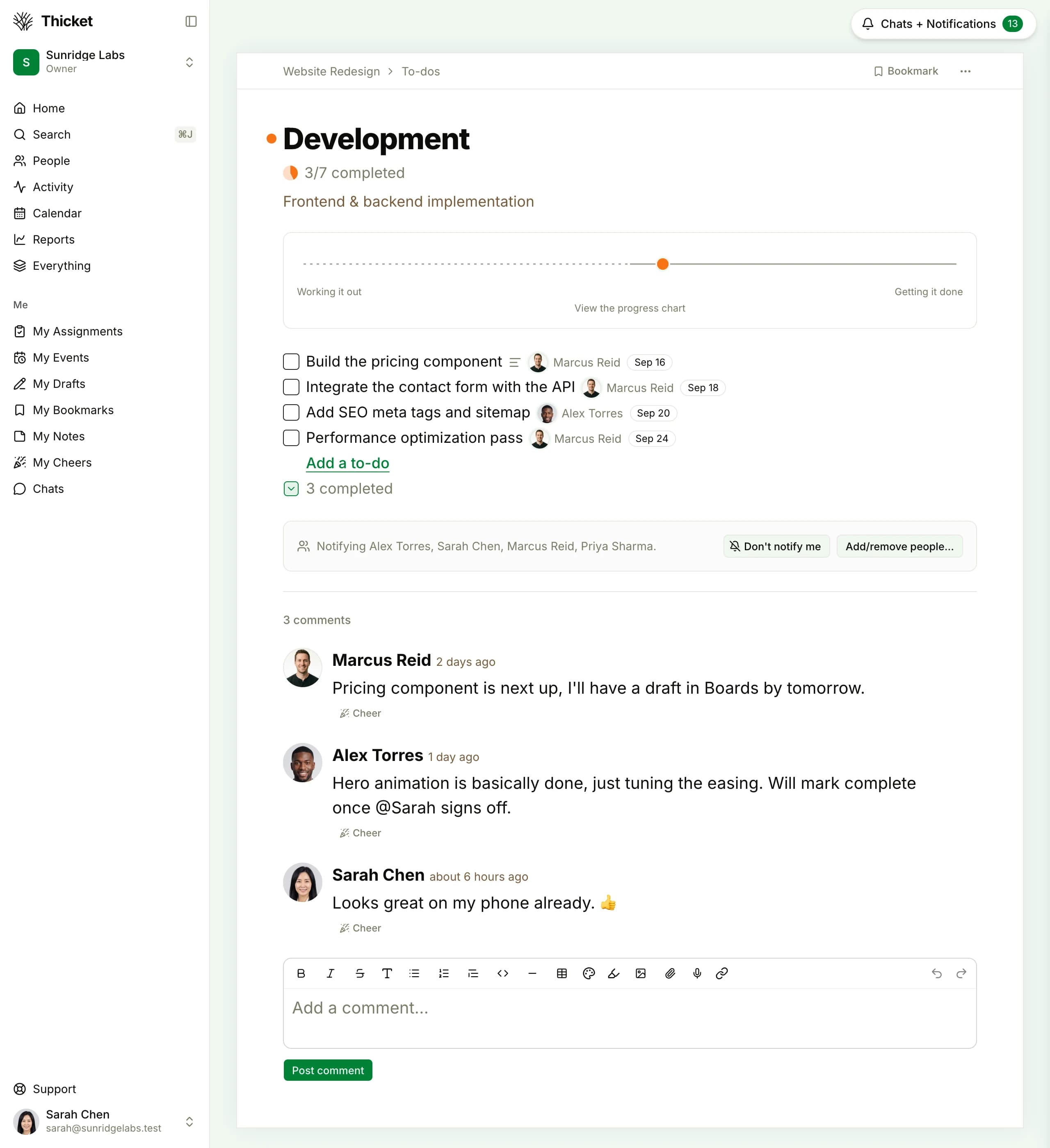
Create tasks, assign them, set due dates, and track progress, in the same project as your messages, docs, and files.
- Assign tasks to team members instantly
- Due dates, assignees, and progress tracking
- Works on desktop and mobile
Why Teams Switch from Monday.com
The same reasons keep coming up.
Switch from monday.com in minutes
If your team wants effective project management without per-seat pricing and board configuration, Thicket is built for you.
Free plan. No card required. Includes a 30-day Pro trial.
$49/month flat: unlimited users, no per-seat fees
30-day free trial of Pro, no credit card required
Projects, tasks, messages, docs, chat, and scheduling
Invite clients and contractors at no extra cost
Common Questions About Switching
How is Thicket different from monday.com?
Both are project management tools with tasks, projects, and team collaboration. The biggest differences: Thicket charges $49/mo flat for unlimited users (monday.com charges $12/user/month on Standard), and Thicket includes built-in message boards and group chat at no extra cost. Thicket is built for teams that need tasks, docs, messages, and scheduling without the setup overhead.
How much does Thicket cost compared to monday.com?
Thicket Pro is $49/month flat for unlimited users. Monday.com Standard is $12/user/month, so a 10-person team costs $120/month, and a 20-person team costs $240/month. Monday.com Pro is $19/user/month: $190/month for 10 users, $380/month for 20 users. With Thicket, a team of any size pays $49/month. That means a 10-person team saves $71/month vs Monday Standard, and a 20-person team saves $191/month. The savings grow with every person you add.
Does Thicket have a free plan?
Yes. The Free plan includes 1 project, 20 people (clients included), and 1GB storage. No credit card required. Monday.com's free plan is limited to 2 seats with restricted features. Thicket's Pro plan at $49/month gives you unlimited projects, unlimited users, and 50 GB storage with a 30-day free trial.
Can I invite clients and contractors without extra cost?
Yes. Thicket Pro includes unlimited users: team members, clients, contractors, and freelancers are all included at no extra charge. On monday.com, every person you add is another $12–$19/month. This makes Thicket especially cost-effective for agencies, consultancies, and teams that regularly collaborate with external partners.
What does Thicket have that monday.com doesn't?
Thicket includes built-in message boards for long-form team discussions, group chat and direct messages, automatic check-ins, and flat pricing with no per-user fees. Monday.com charges per seat and doesn't have dedicated message boards for threaded project discussions, so teams end up running conversations in Slack or email alongside their boards.
Does Thicket have anything like monday.com's status updates?
Yes: automatic check-ins and project health. Check-ins ask your team a recurring question, like 'What did you work on today?', and collect everyone's answers in one thread, no standing meeting required. Each project also carries a simple health status (On track, At risk, Off track) plus progress charts, so stakeholders can see where things stand at a glance.
Does monday.com charge for guests and viewers?
On monday.com's Standard and Pro plans, guests count as full paid seats. If you invite a client to view a single board, they're billed at the same rate as a full-time team member: $12–$19/month. On Thicket, there's no distinction. Team members, clients, contractors, part-time contributors: everyone is included in the $49/month flat price.
How long does it take to set up Thicket?
Most teams are up and running in under 30 minutes. Create an account, set up your first project, add your task lists, and invite your team. Compare this to monday.com, where a new workspace typically takes several hours to configure properly: setting up boards, choosing column types, building views, and configuring automations for each workflow.
Project management shouldn't cost $12 per person
Thicket is $49/mo flat for unlimited users. Free plan available. No credit card needed to start.