
Using Thicket in Other Languages
Write in any language, set your time zone and time format, and see how search and browser translation handle other languages.
Thicket's menus, buttons, emails, and help articles are in English. Everything you and your team write can be in any language.
Writing in your own language
Project names, messages, to-dos, docs, comments, chat, and people's names can use any language and alphabet, accented letters and emoji included. A team can write in one language, or mix several in the same project.
Your browser's spell checker works in Thicket's text boxes and follows the languages set in your browser. Voice notes record whatever you say, in any language.
Dates, times, and your week
Thicket writes dates in English, with month names like "Sep 24." You choose the rest in My settings > Preferences:
- Time zone: dates and times across Thicket are shown in this zone
- Clock: 12-hour (1:30 PM) or 24-hour (13:30) times
- Week starts on: the first day of the week in schedules and date pickers
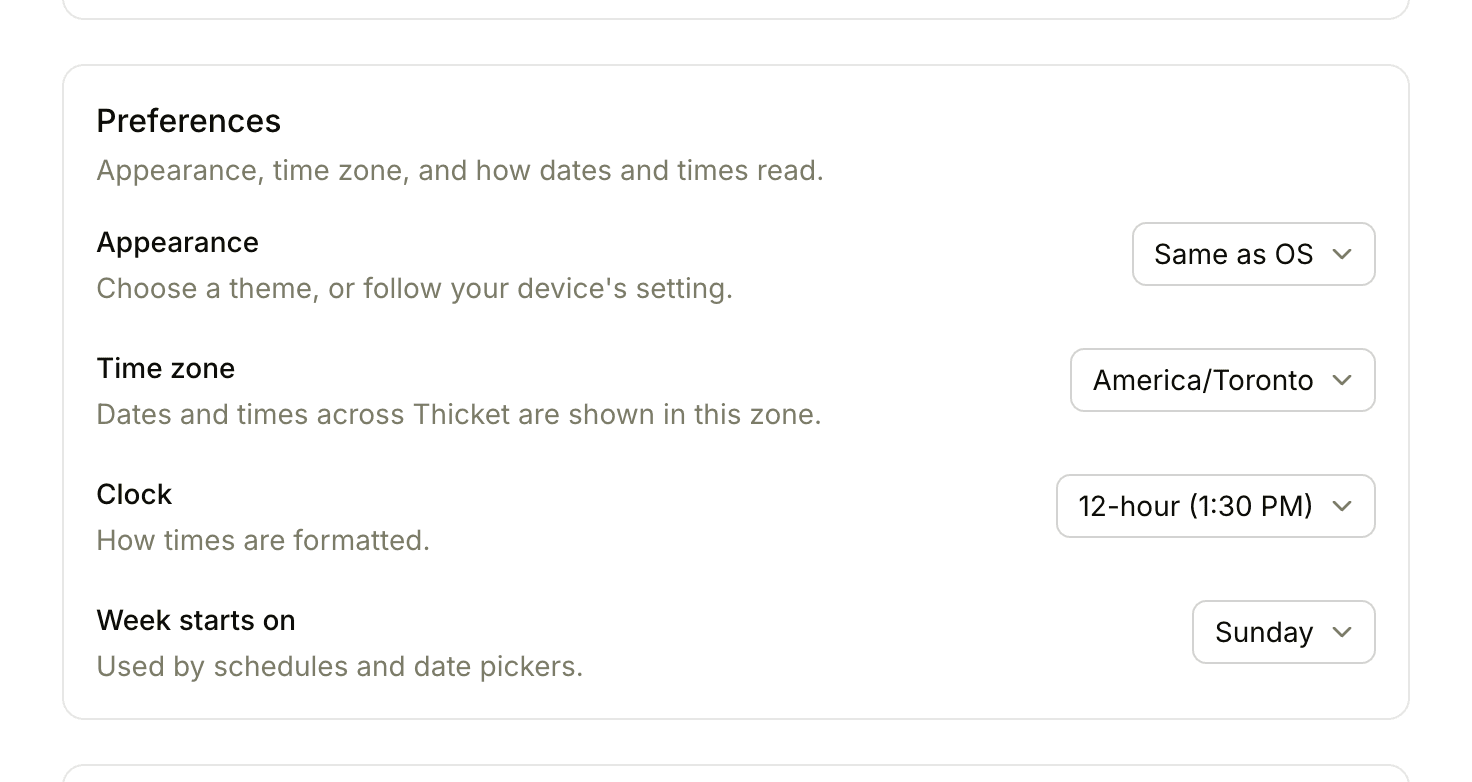
Each person sets their own preferences. See Your Profile and Preferences.
Searching in other languages
Search works in every language, with a few limits outside English:
- Search matches words by how they begin, so the start of a word finds the whole word in any language that puts spaces between words.
- Search knows English word endings, so a search for "planning" also finds "planned." Its rules for other forms of a word are English ones, so in other languages, search for the form of the word you expect to find.
- In languages written without spaces between words, such as Chinese or Japanese, search finds text anywhere in a title but can miss words in the middle of longer passages. Search for the start of a phrase, or for a word in the title.
More in Searching.
Translating pages
Thicket's pages are marked so browser translation tools leave them alone. Those tools rewrite a page's text while Thicket is updating it, which can stop the page from working. To read a message in another language, copy its text into the translation tool of your choice.