Bookmarks
Save the messages, to-dos, docs, and other items you keep coming back to, and find them again under My Bookmarks.
A bookmark is a private shortcut to something you'll want again: the doc you check every morning, a long-running discussion, or the card you're waiting on. Bookmarks are yours alone. Nobody else can see what you've bookmarked, and bookmarking doesn't notify anyone.
Bookmarking an Item
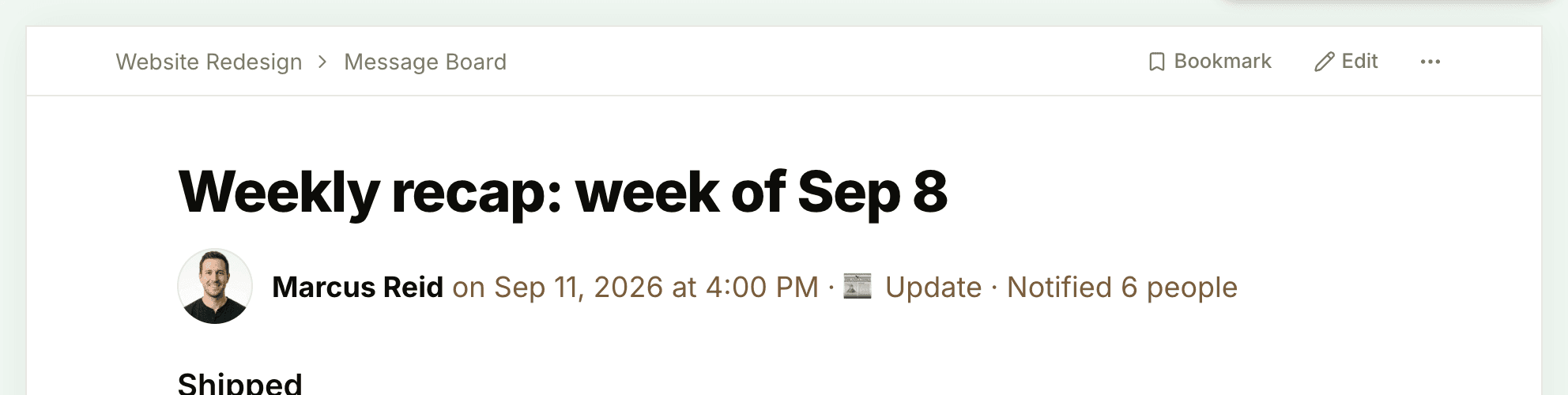
Open the item and click Bookmark at the top right of the page, next to the ••• menu. The button changes to Bookmarked, its icon fills in, and a message confirms "Added to My Bookmarks". On a phone, the button shows just the bookmark icon.
You can bookmark:
- messages, docs, files, and links to outside files
- to-do lists and single to-dos
- cards and board columns
- events, check-in questions, and check-in answers
- progress and health updates, client approvals, and client correspondence
- a whole tool in a project, such as its Message Board, To-dos, Docs & Files (or a folder in it), Calendar, board, Chat, or Check-ins
Drafts get a Bookmark button once they're posted. To keep a whole project handy, star it instead: click the star on its card on Home.
Finding Your Bookmarks
Open your bookmarks in any of these ways:
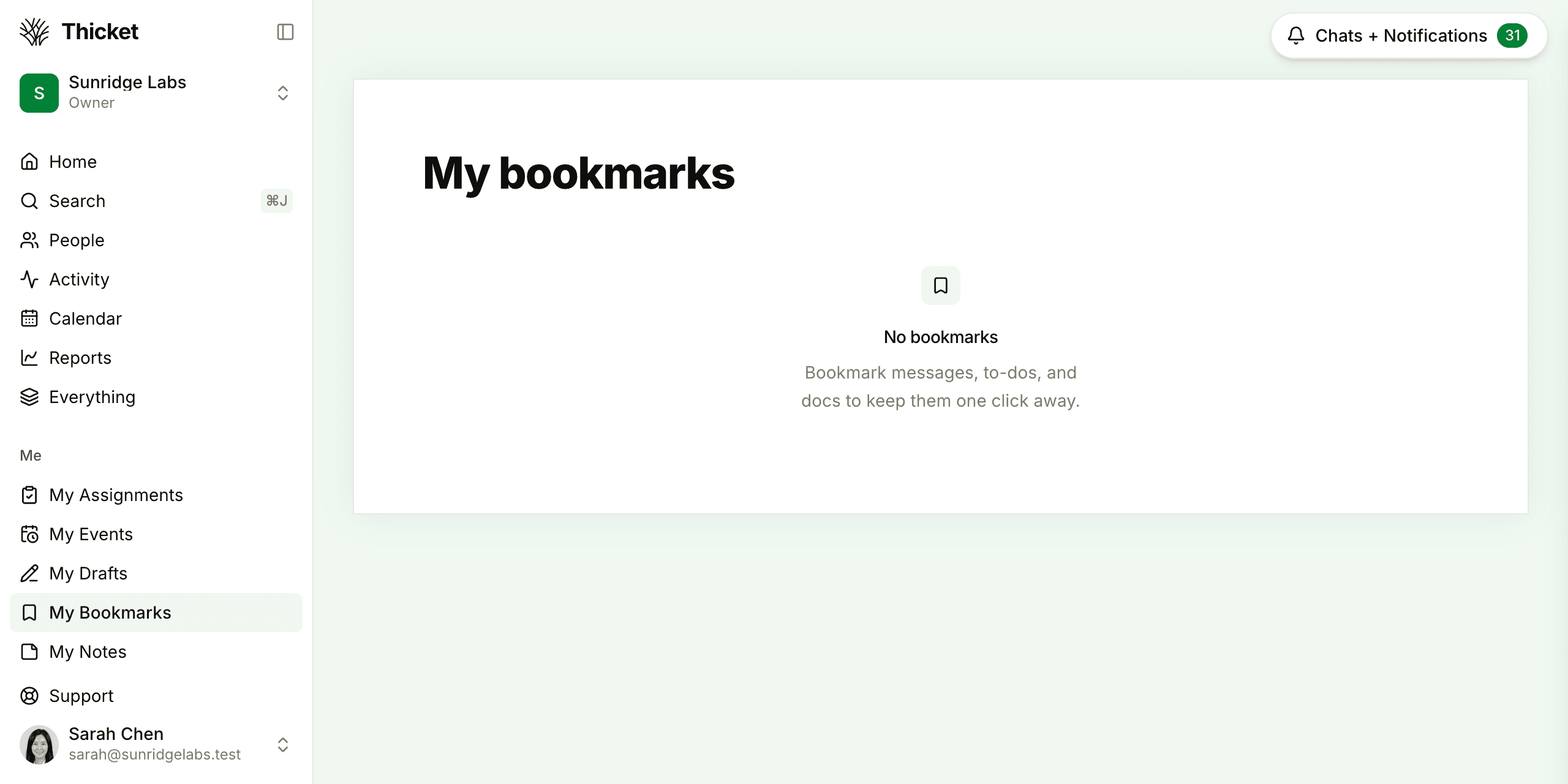
- click My Bookmarks in the Me section of the sidebar
- press Shift+B when you're not typing in a box
- open the jump menu, type "bookmarks", and choose My bookmarks
The My bookmarks page lists everything you've saved, newest first. Each row shows the kind of item and its project. Click a title to open it. A bookmarked folder opens that folder.
A bookmark stays put when its item, or the item's project, is archived or put in the trash. The row keeps the project's name and adds a note after the title: (Archived), (In the trash), (Archived project), or (Project in the trash). A bookmarked draft says (Draft). When an item is deleted for good, its bookmark goes away too, and a bookmark to something you can no longer open, such as an item in a project you've been taken off, drops off the list.
Removing a Bookmark
Either click Bookmarked on the item's page, or click the × at the end of its row on My bookmarks. A message confirms "Bookmark removed".
Bookmarks and Reminders
A bookmark keeps something close with no deadline. When you want to be nudged about an item at a particular time instead, use Remind me… in its ••• menu. See Remind Me Later. Bookmarks also sit alongside your other personal pages, described in My Bar.