See Everything in Your Projects
Browse every message, doc, file, comment, and check-in answer across your projects in one place, newest first.
Everything gathers content from all of your projects into a few lists. Use it when you remember what something was but not which project it's in, or when you want to catch up on messages or files across the whole account.
Opening Everything
Click Everything in the sidebar, or open the jump menu, type "everything", and choose Everything.
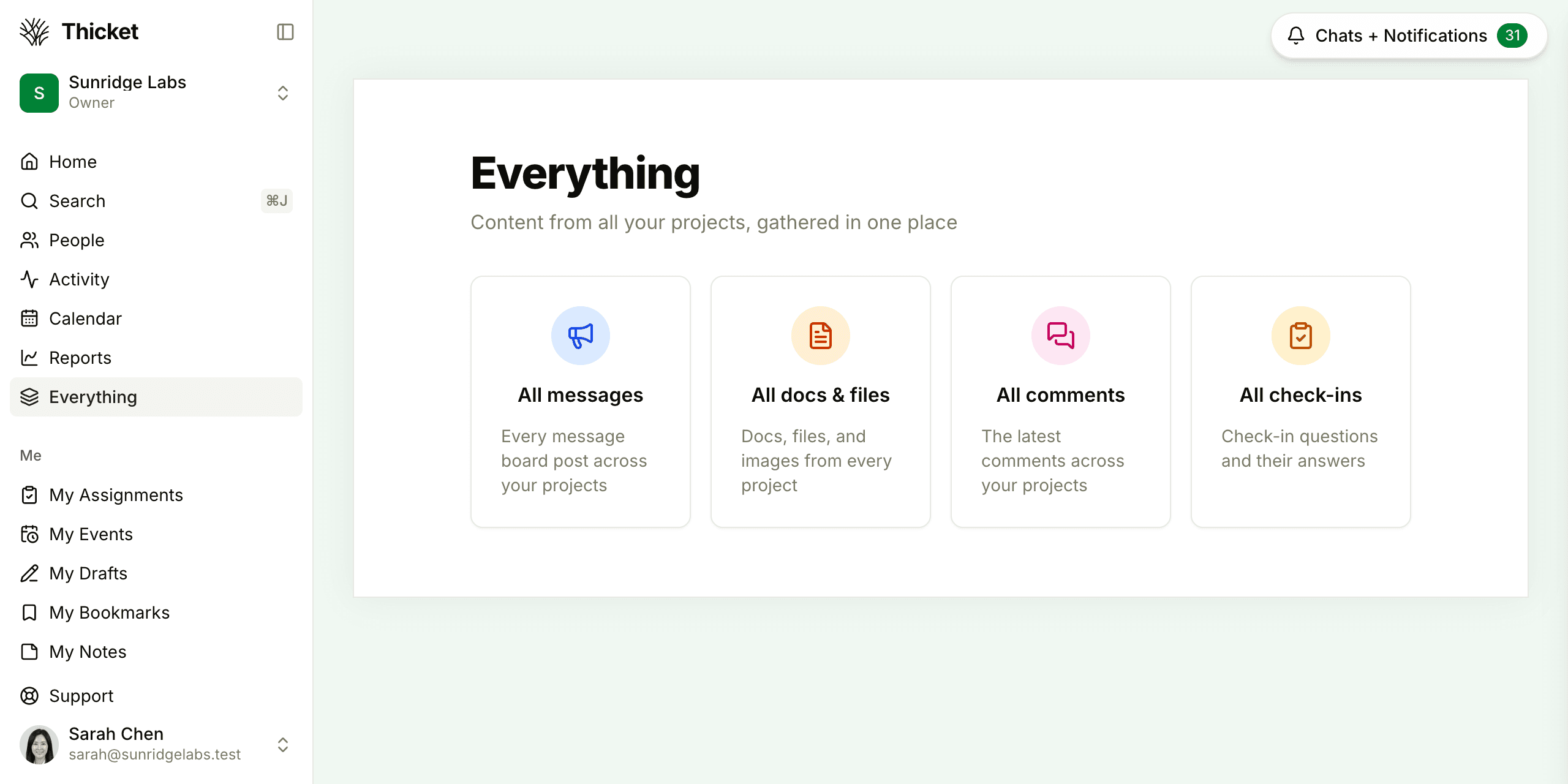
Pick one of the lists:
- All messages: every message board post across your projects.
- All docs & files: docs, uploaded files, and images from every project.
- All comments: the latest comments on anything in your projects.
- All check-ins: answers to check-in questions. This tile appears once there's a check-in you can see.
Browsing a List
Each list puts the newest items first. A row shows who posted it, the project, the date, and a preview of the text. In All comments and All check-ins, each row is titled with the item or question it belongs to. Clicking a comment takes you straight to it in its thread, and clicking an answer opens it. More rows load as you scroll down.
To narrow a list, type in the Filter… box at the top, or press Shift+F to jump to it. The filter looks through the rows already loaded. When nothing matches, click Search for “…” to run a full search across your projects. See Searching.
Filtering Docs and Files
All docs & files has a few extra controls:
- All files, Images, PDFs, Docs, and Videos narrow the list to one kind of file.
- Everyone opens a list of people. Pick one or more to see only what they uploaded.
- Include attachments, on by default, adds files posted in your chats. Files added to comments and to-dos already live in each project's Docs & Files.
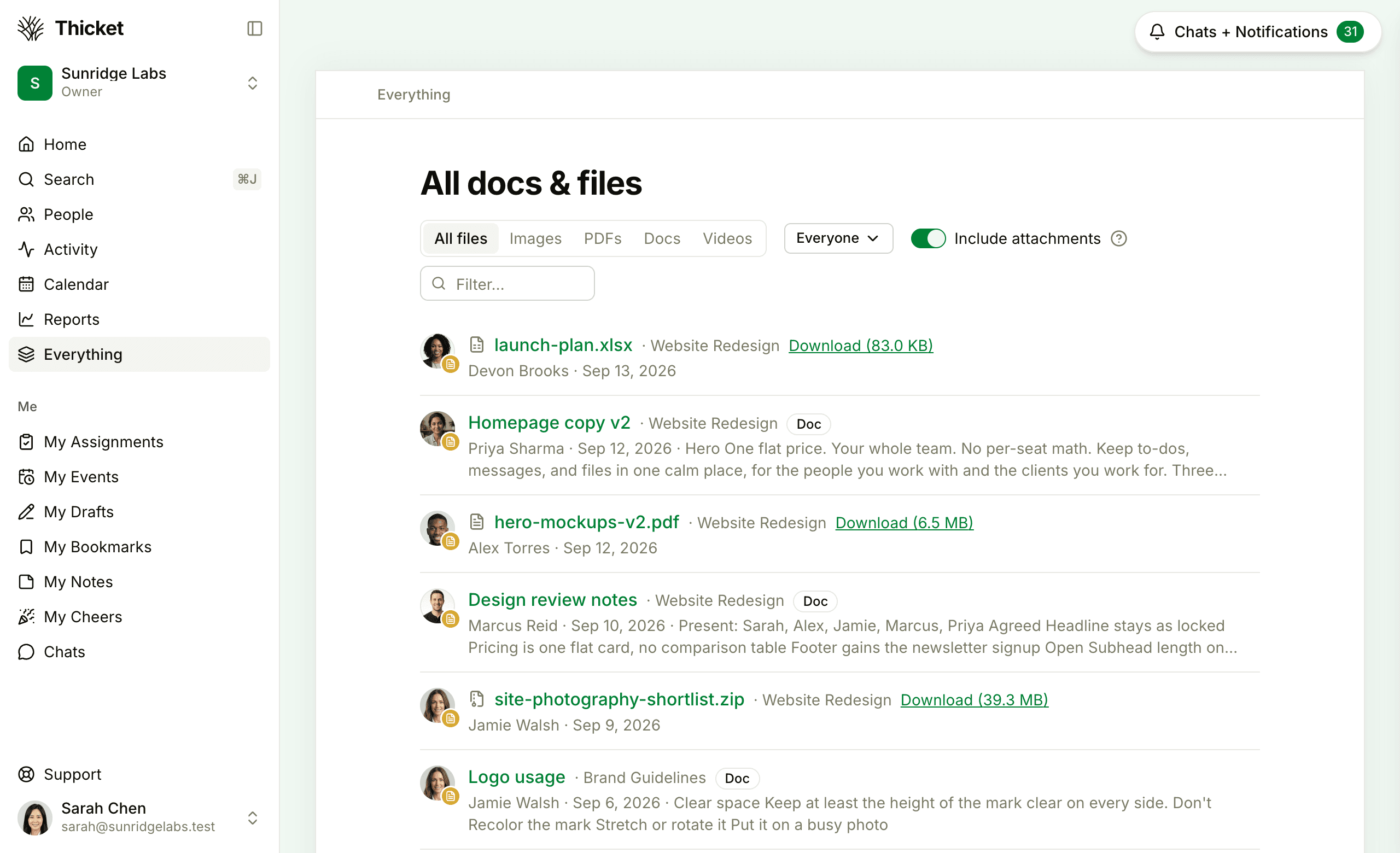
Files have a Download link right in the list, and docs carry a Doc label. The filters you choose are part of the page's address, so you can copy it and share the same view.
What Everything Includes
Everything shows active items from the active projects you can open: the ones you've been added to and any project open to everyone in the account. Archived and trashed projects and templates are left out, and so are drafts and archived or trashed items.
Clients see the same lists, limited to what has been shared with them, and without the Everyone picker.
For a running feed of what people are doing, rather than the content itself, see Latest Activity.